 Jet Window


01 / AT THE AIRPORTYour gate.
Your gate.
Impossible to miss.
A big, clear gate number. The terminal beside it. Boarding guidance where you can actually find it.


For the flight. And the window seat.
Live flight tracking, clear airport guidance, and the best side of the plane for the view.
Expected December 8. For iPhone, iPad and iPhone Duo. A pre-order costs nothing and installs itself on release day.
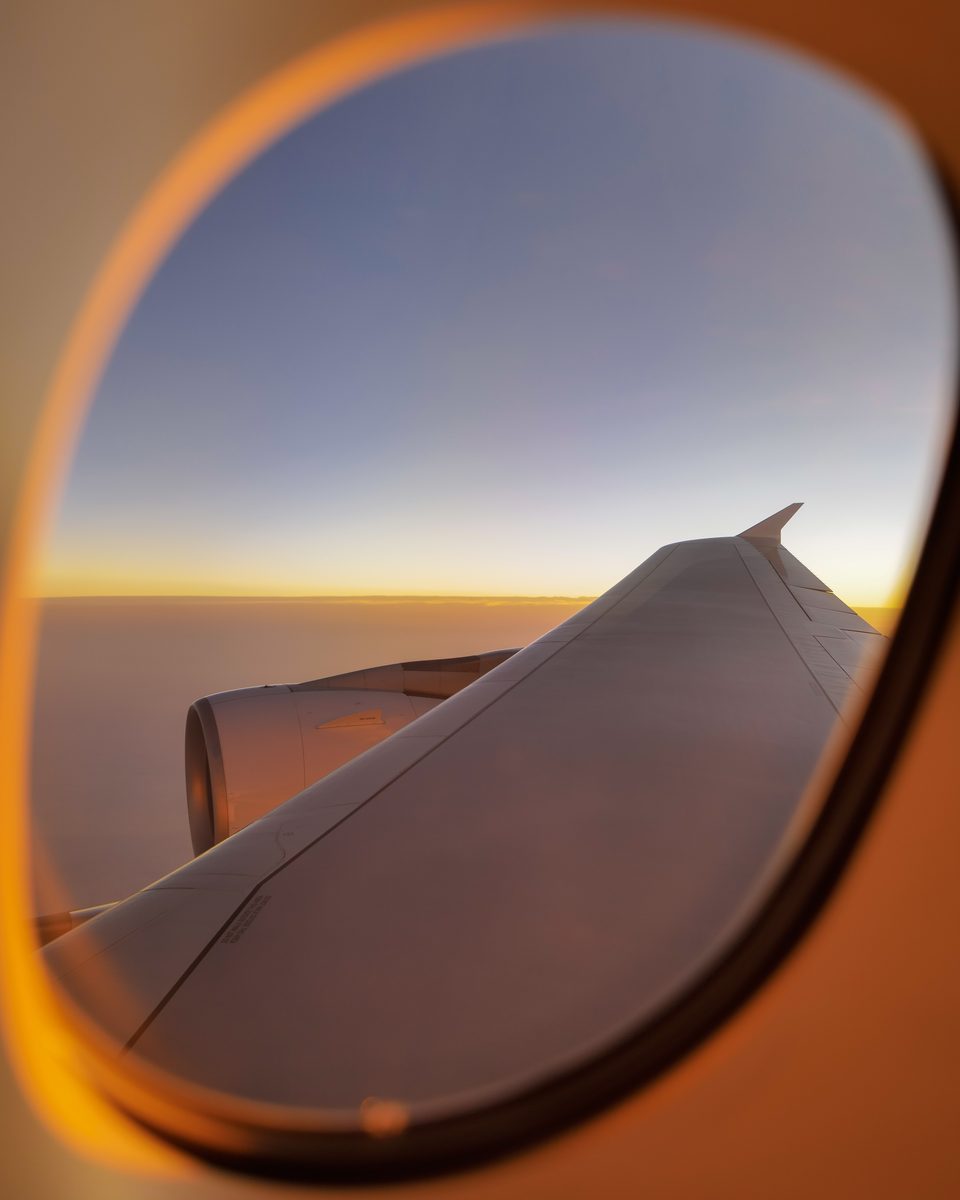 A better seat for the view.Window-seat advice + photography. Included free.

Before takeoff, your gate, your seat and your pass.
Jet Window / The film
From finding your gate to catching the last light.
See how Jet Window looks after the details along the way.
Less searching. More knowing.
The information you need changes as you travel. Your flight screen changes with it.
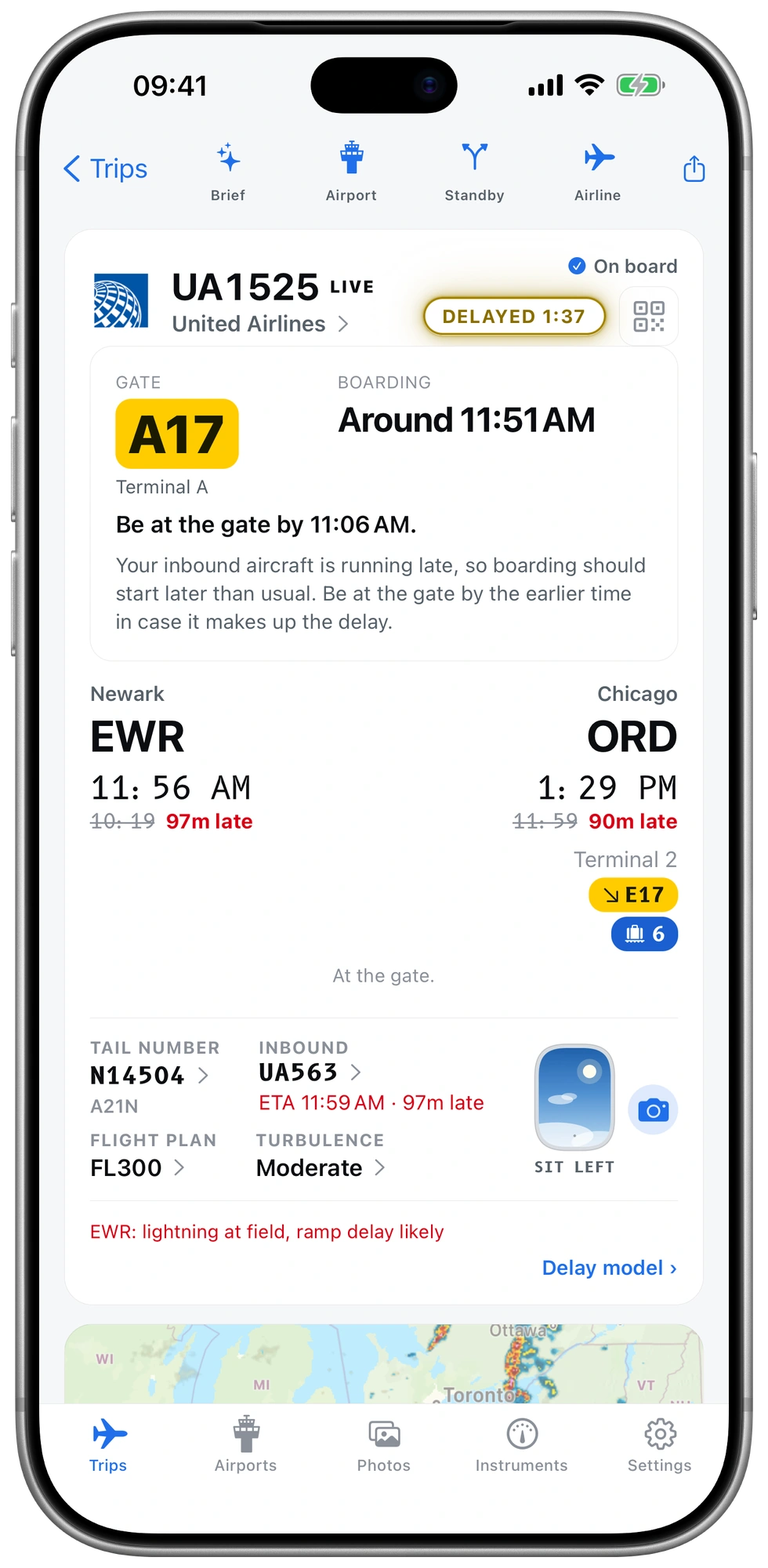
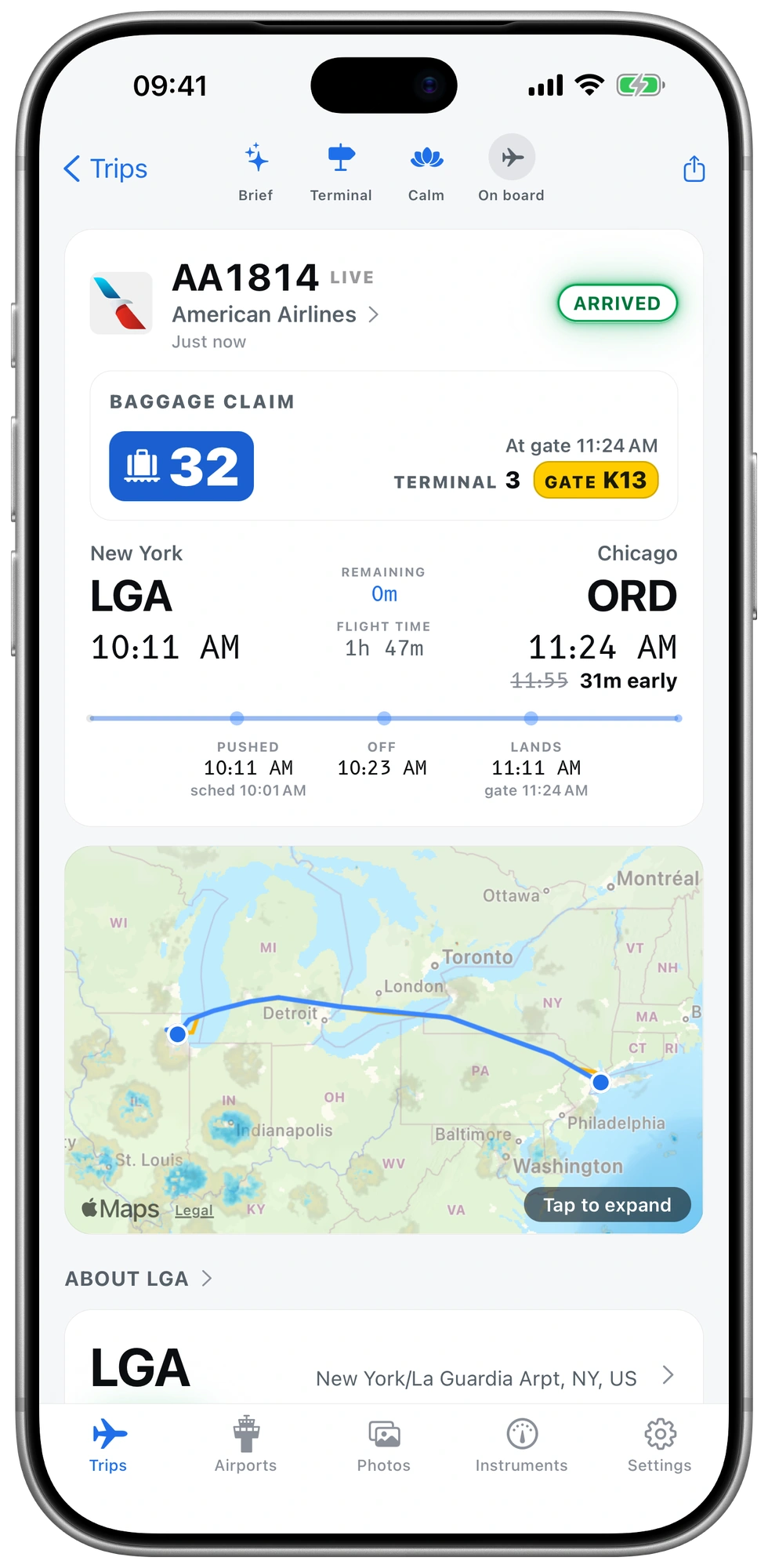
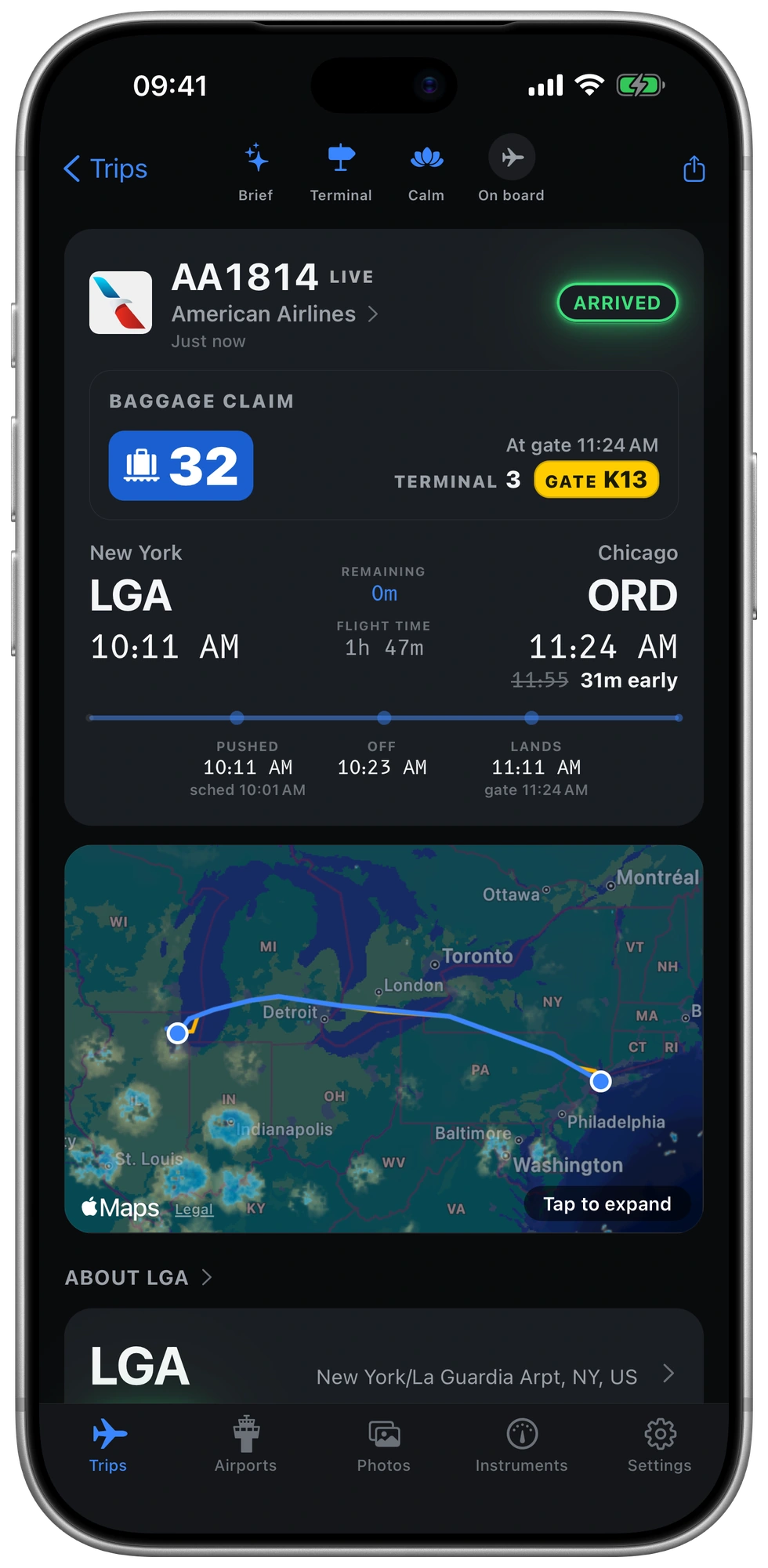
A big, clear gate number. The terminal beside it. Boarding guidance where you can actually find it.
Save boarding passes for you and your travel companions. Keep every barcode ready to show, even without a signal.

Baggage claim moves to the top after your final flight. Get the belt, terminal and a step-by-step arrival guide.


For the reason you chose the window
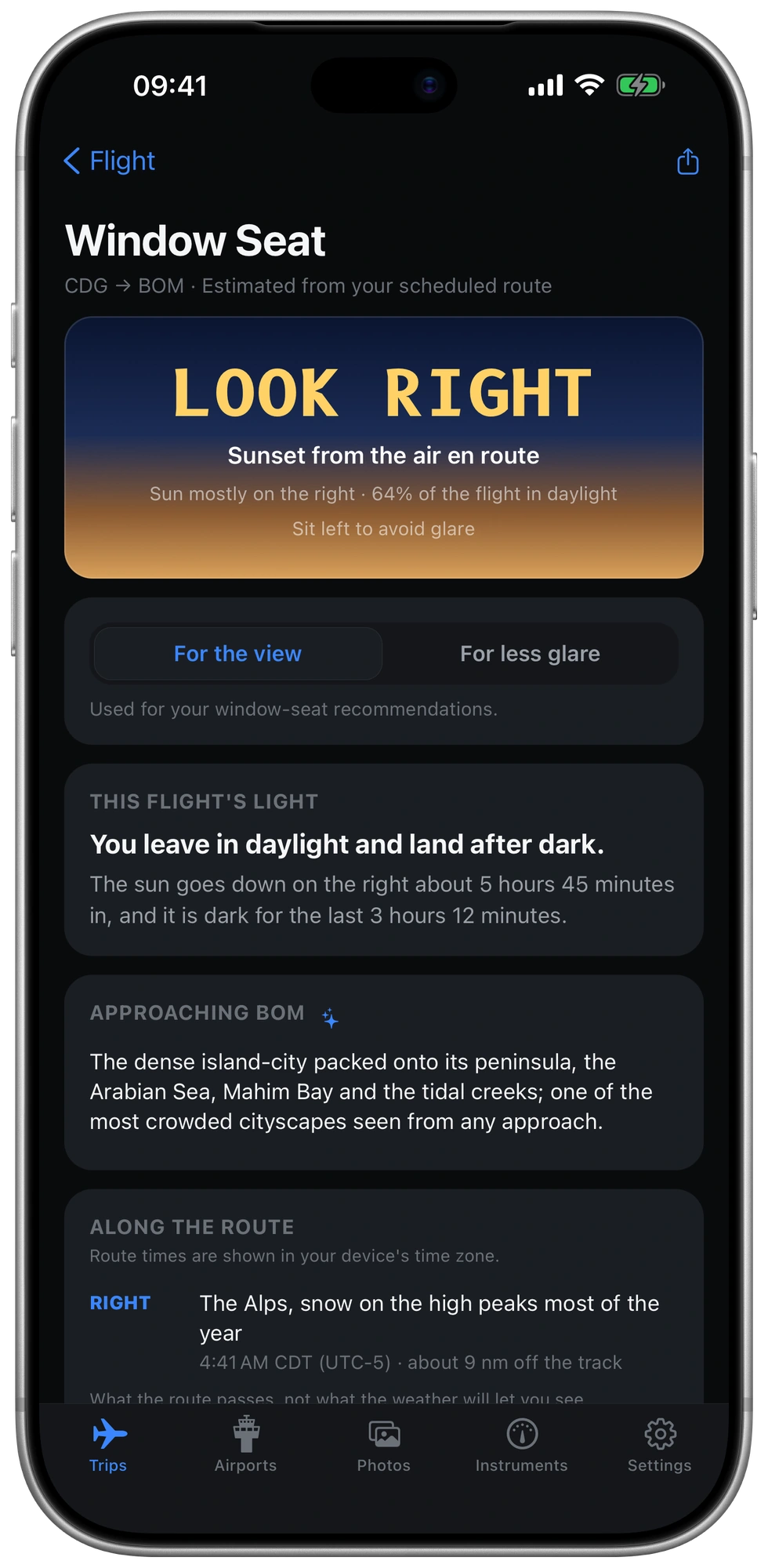
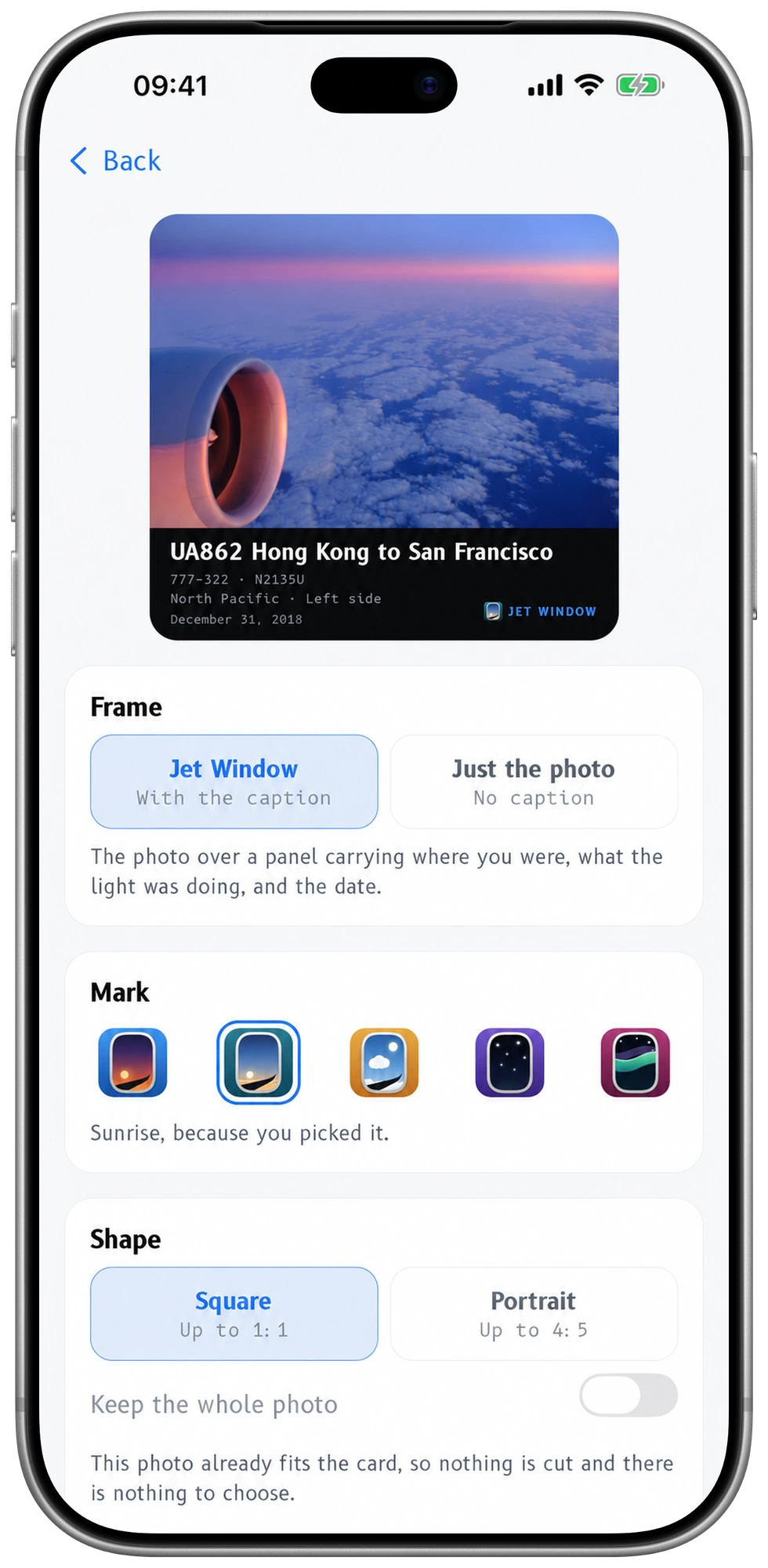
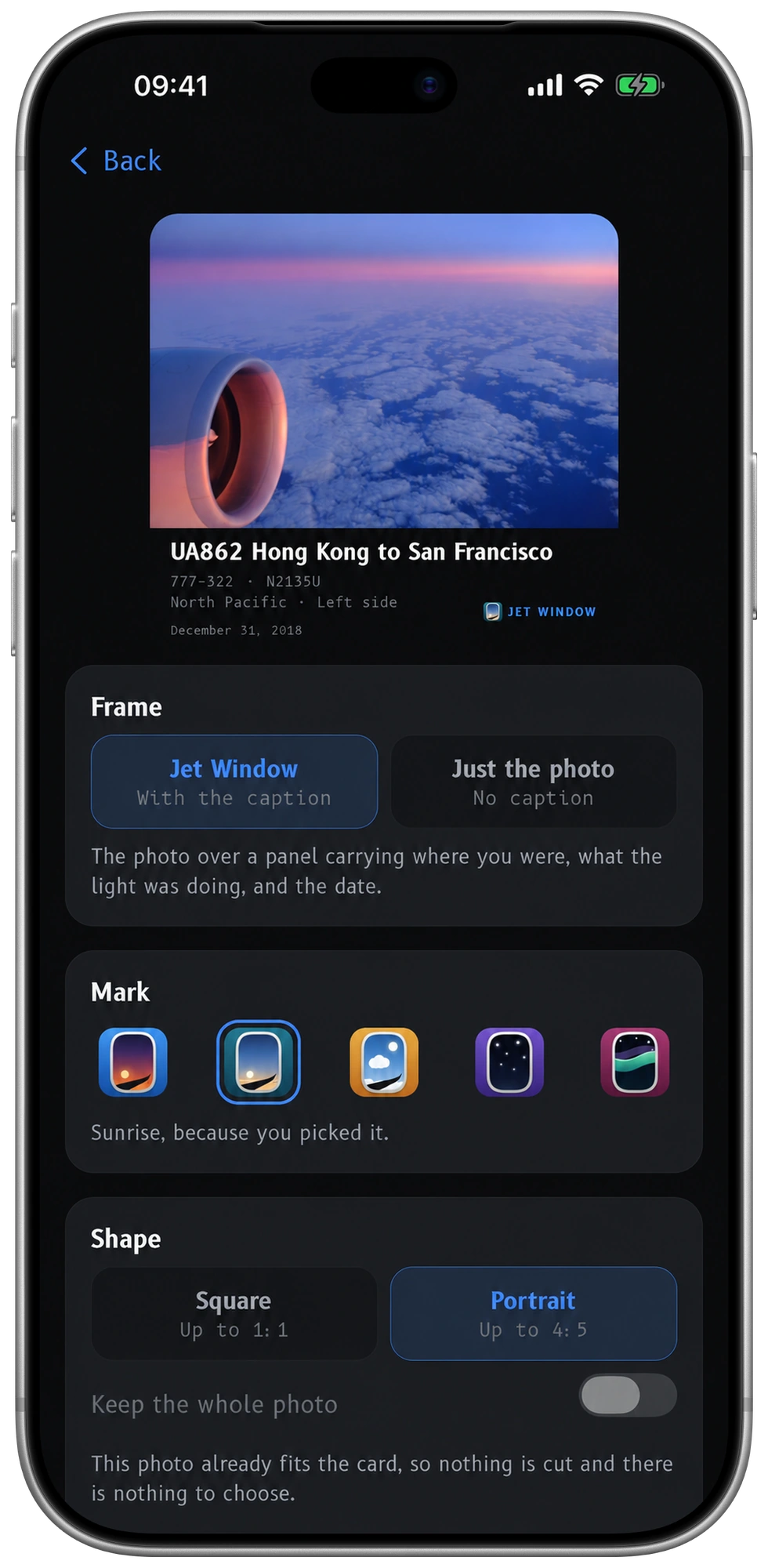
The side to sit on. The light to look for. The photograph you’ll keep and share with friends. See which side, route by route.
Sunset / golden hour
Find the sun’s side of the cabin and the golden-hour opportunities along your route.
Choose the sun-facing side for warm light. The best side depends on your route and timing.
The story behind the status
Follow the aircraft your departure depends on. See the airport conditions. Understand what could happen next.
Has it landed, is it still airborne, or has it not left? See the missing piece behind your departure time.
Flight status and weather, interpreted in plain English, with the details that matter to your trip.
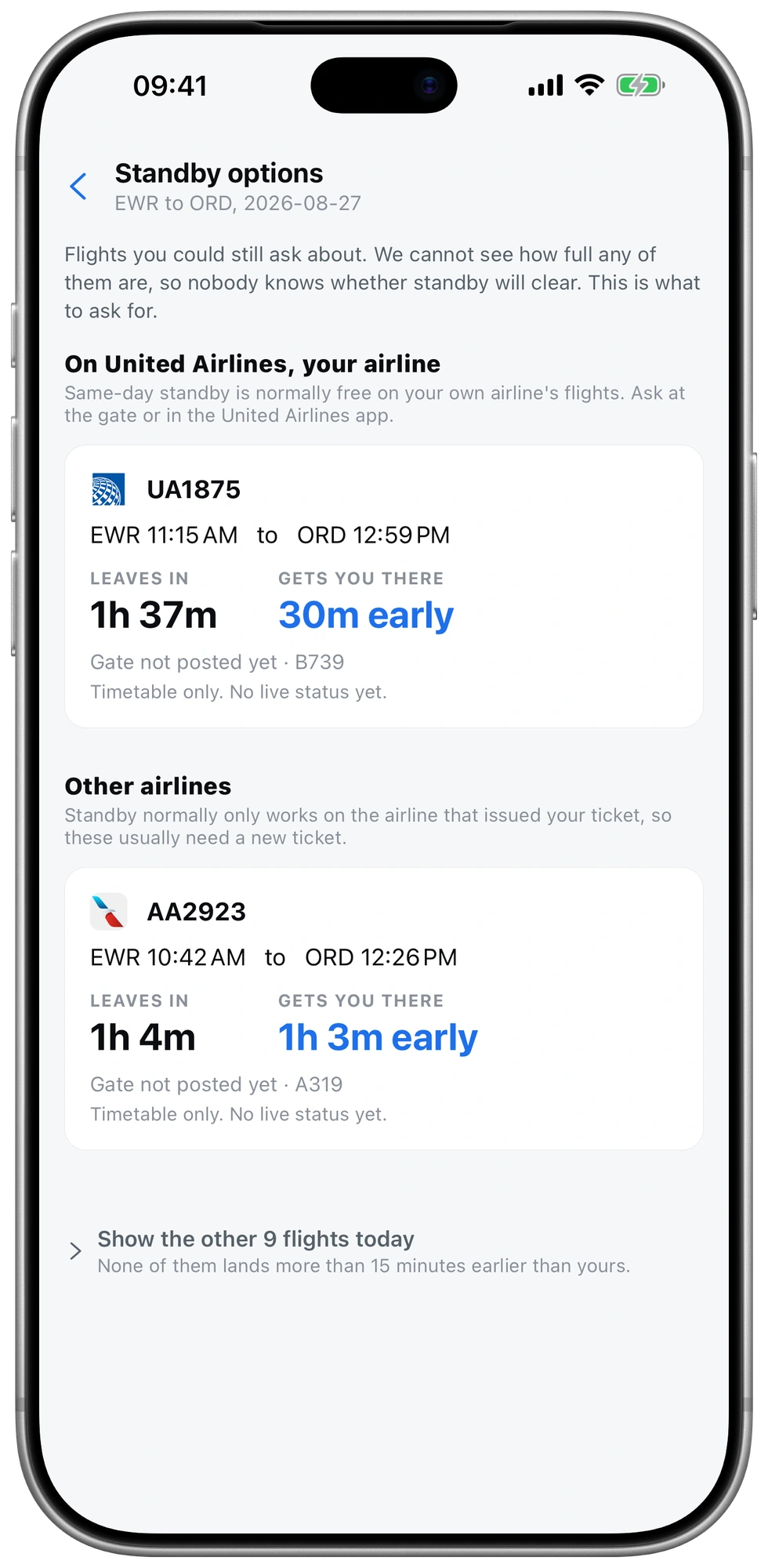
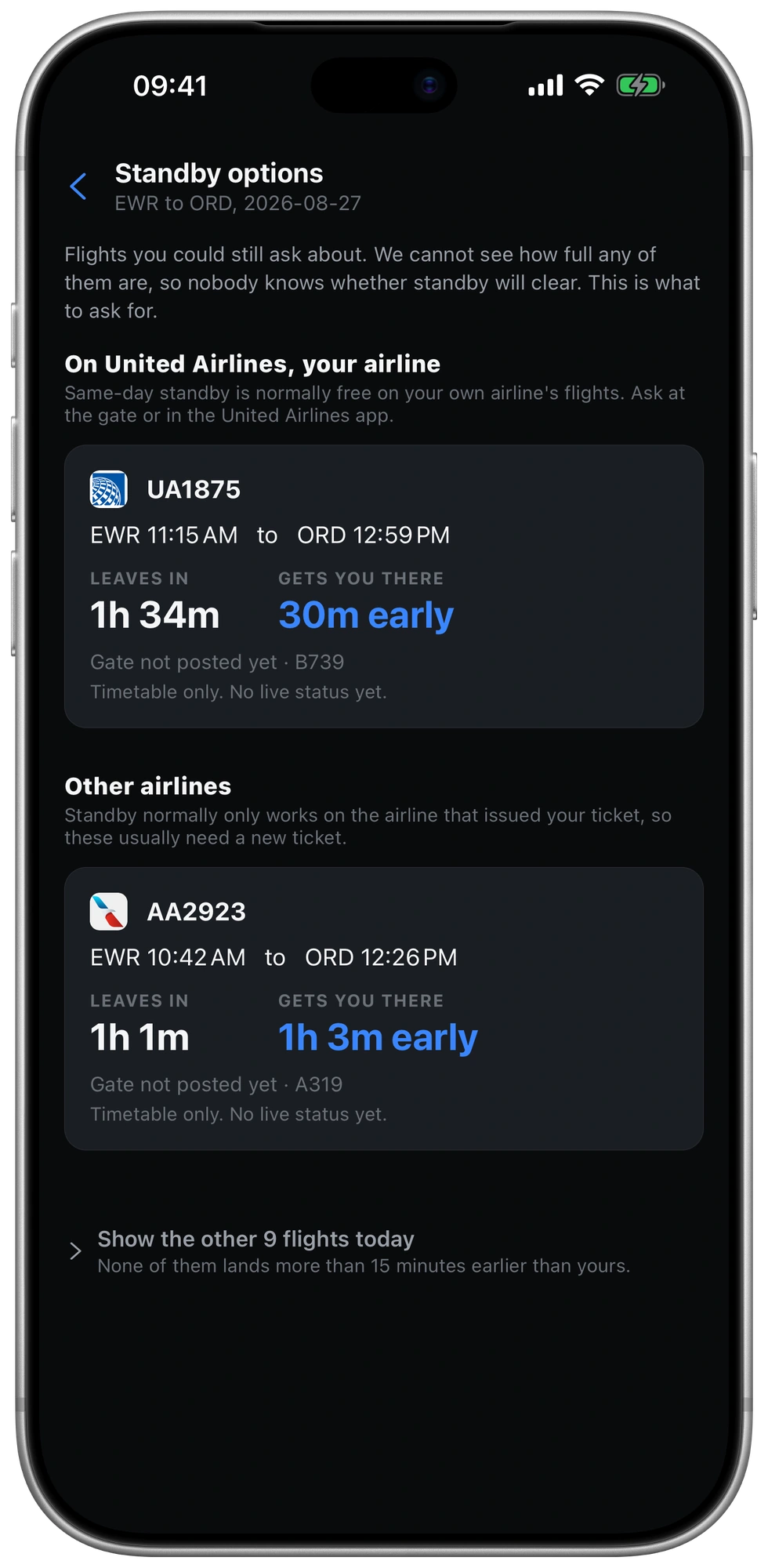
First Class shows standby options you can still catch, plus the sentence to say at the desk. Airline commitment cards explain published promises for disruptions the airline controls.
The app
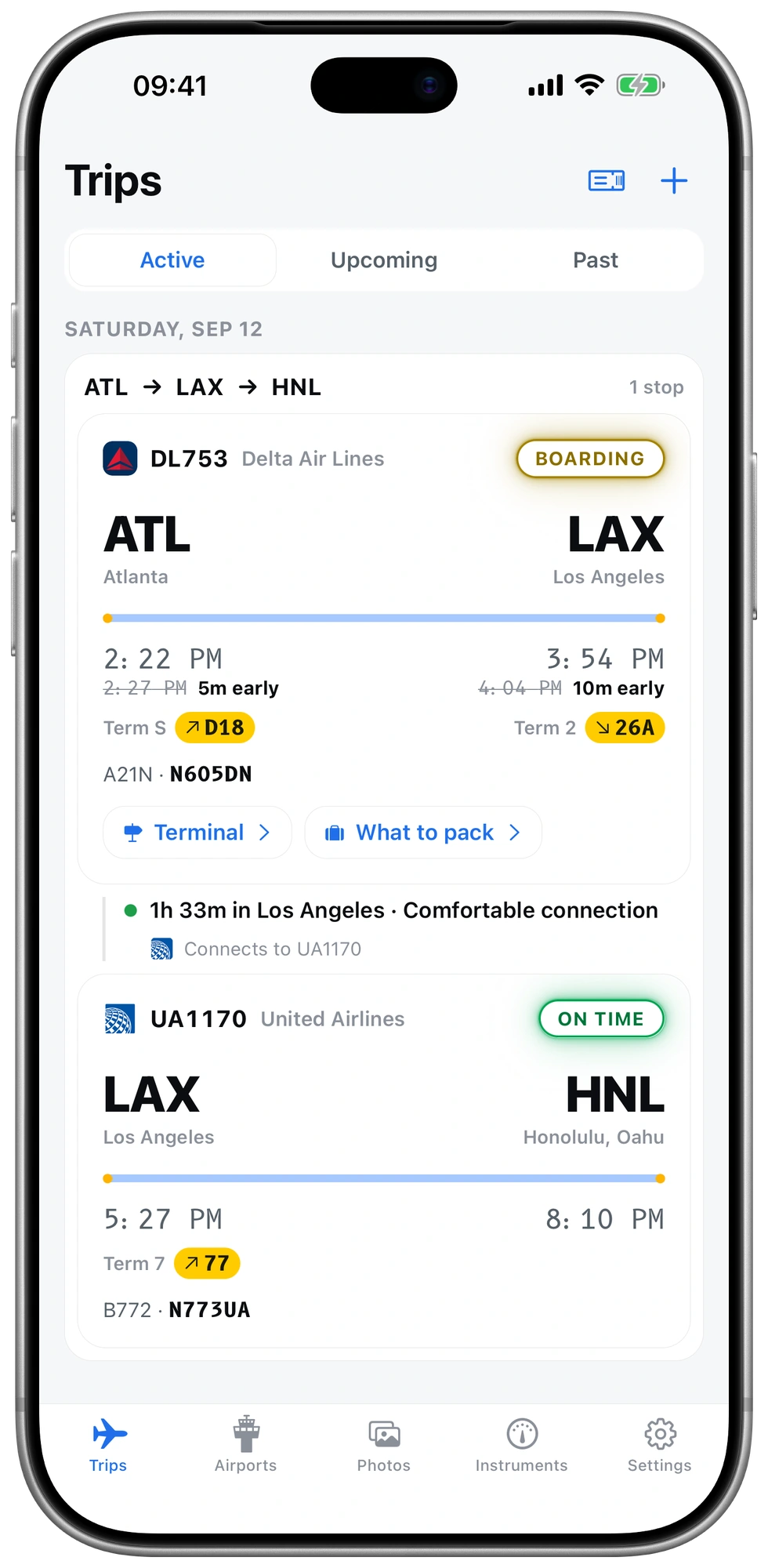
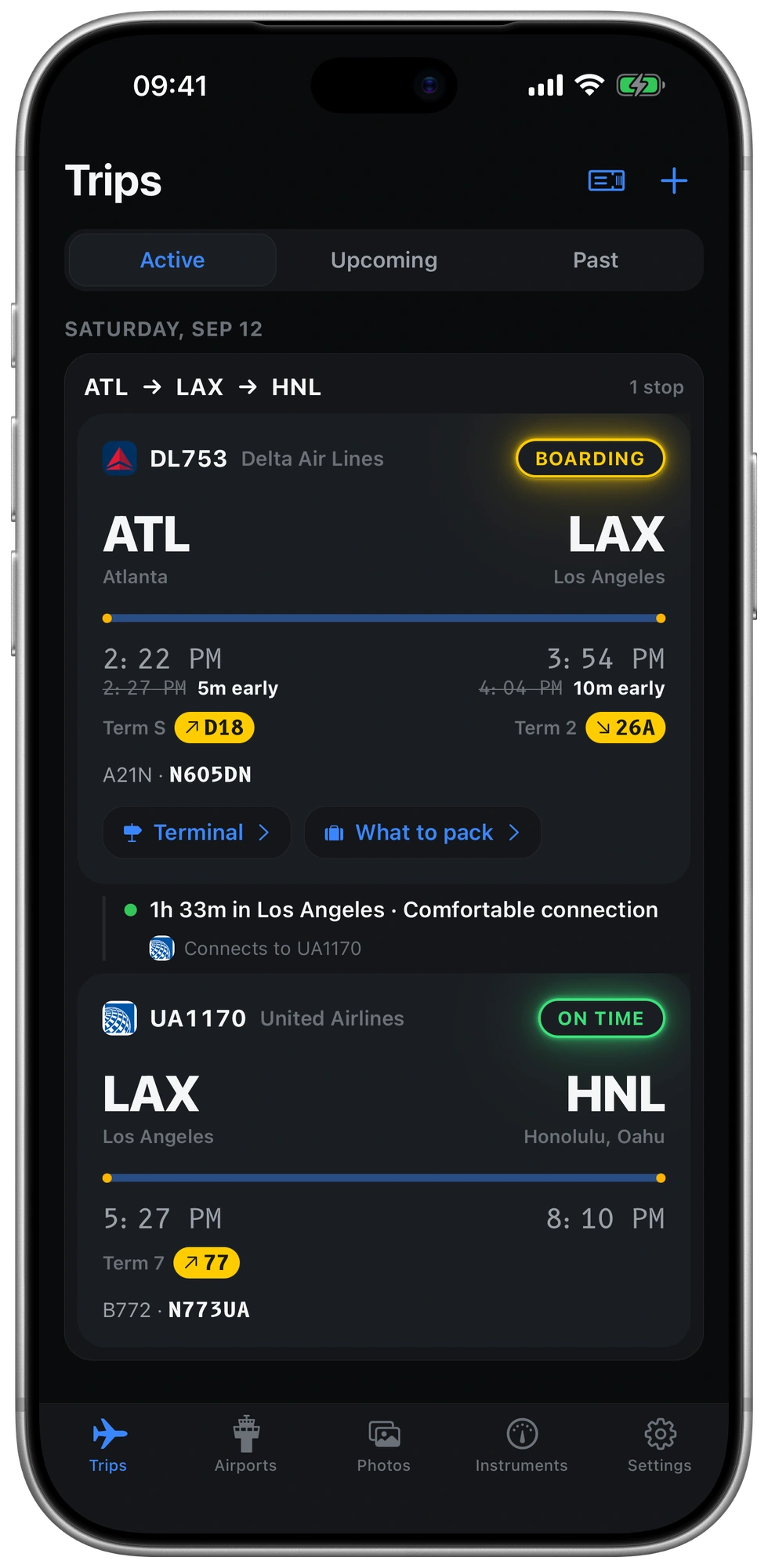
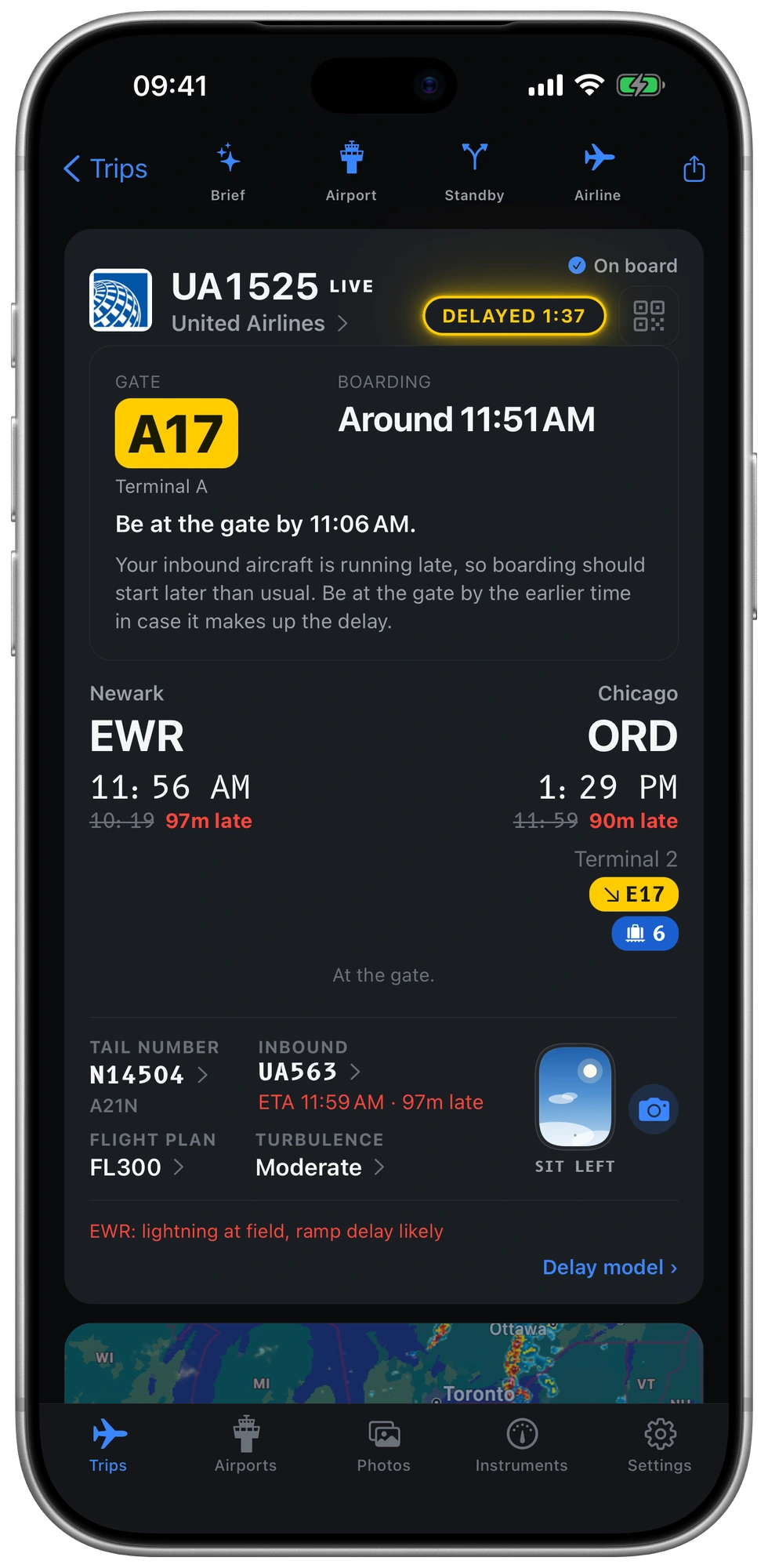
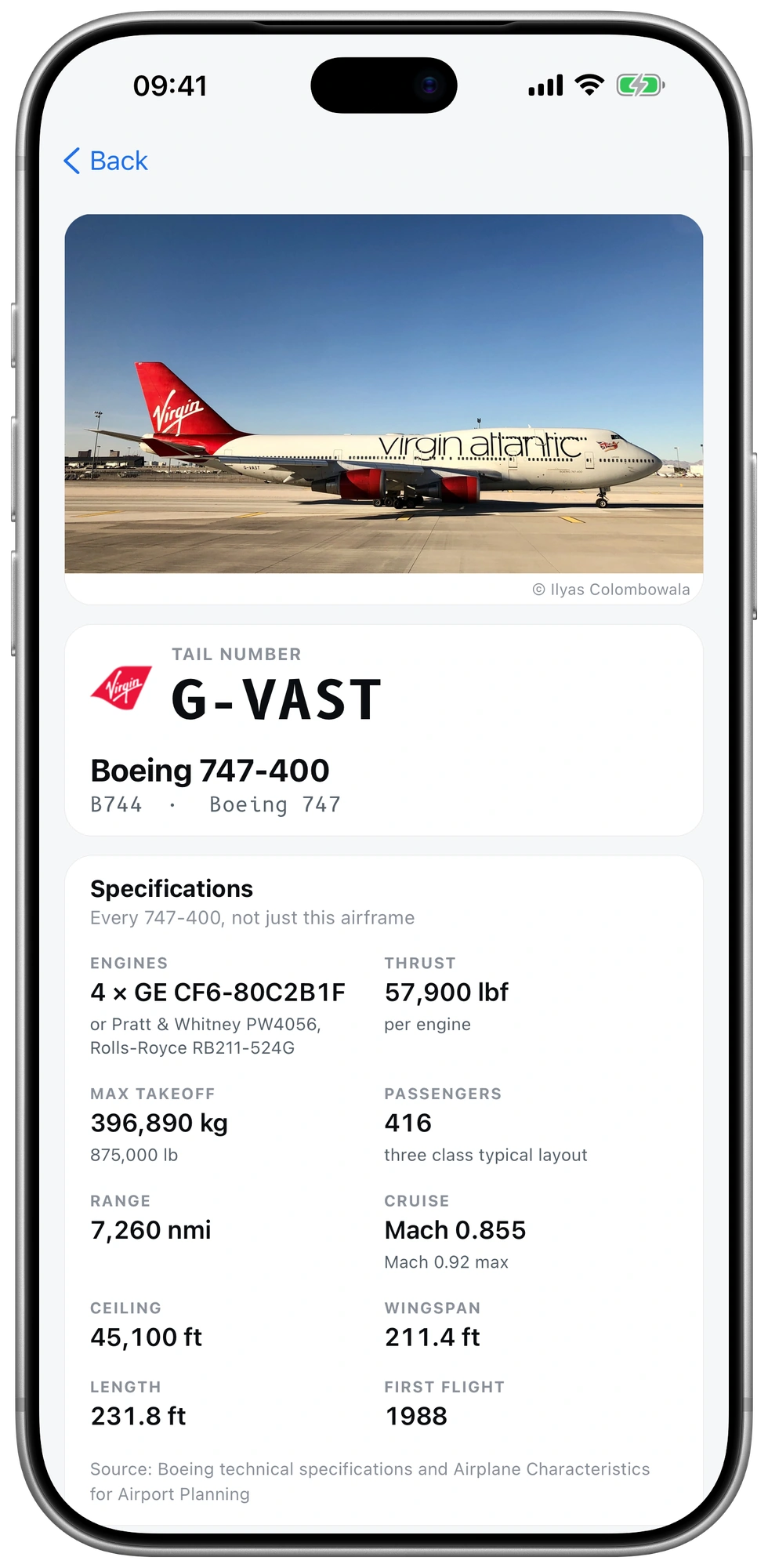
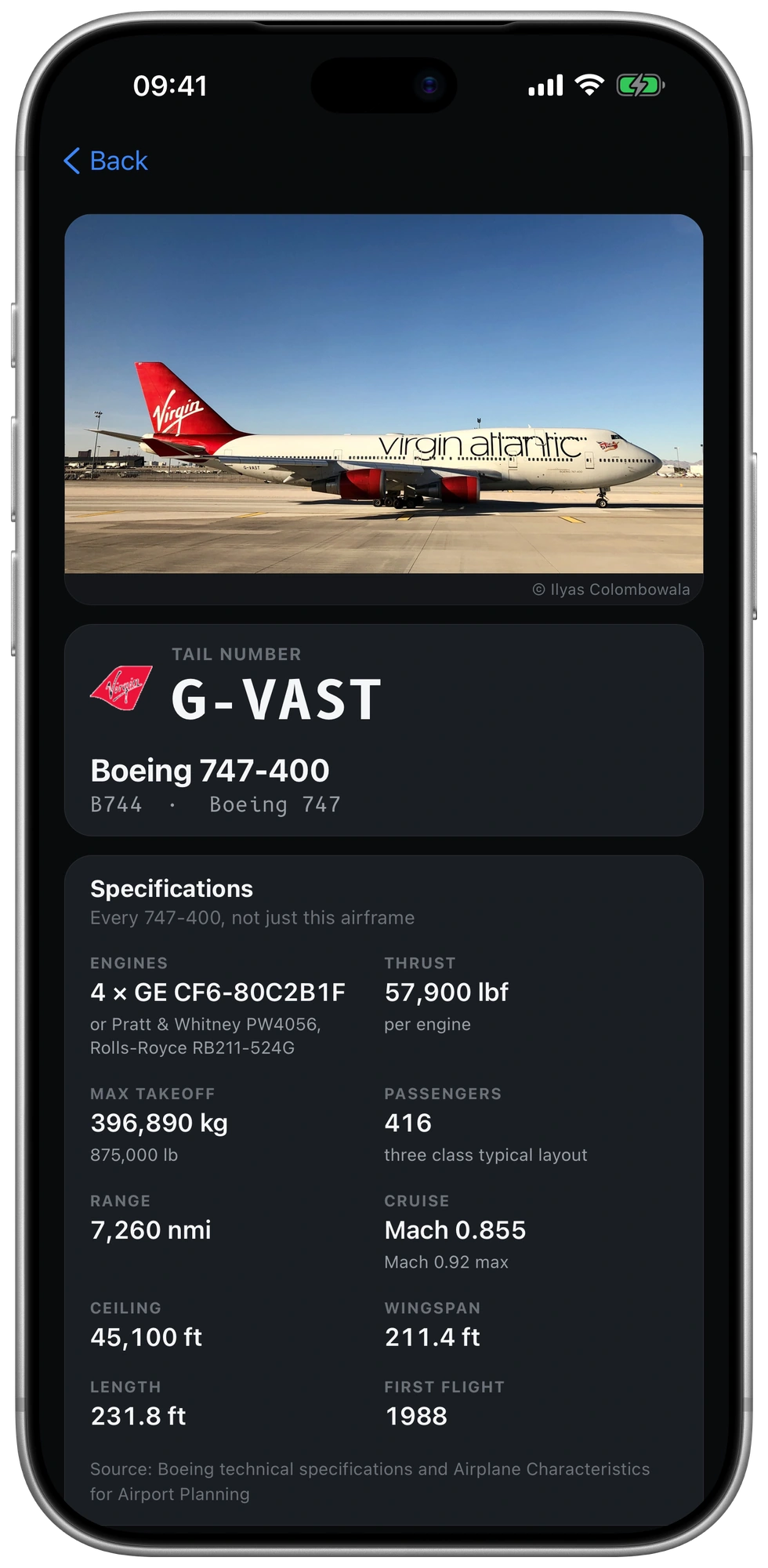
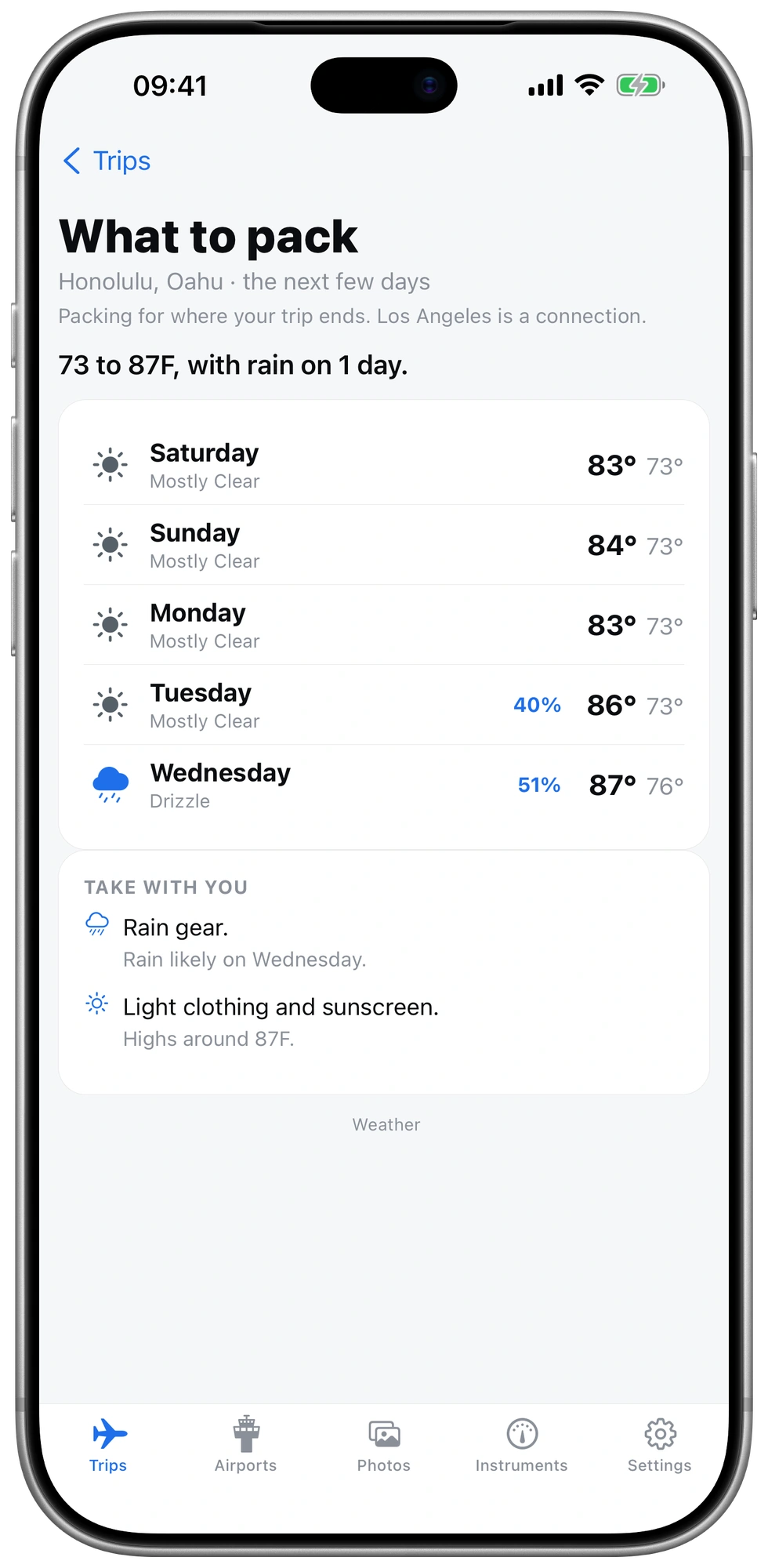
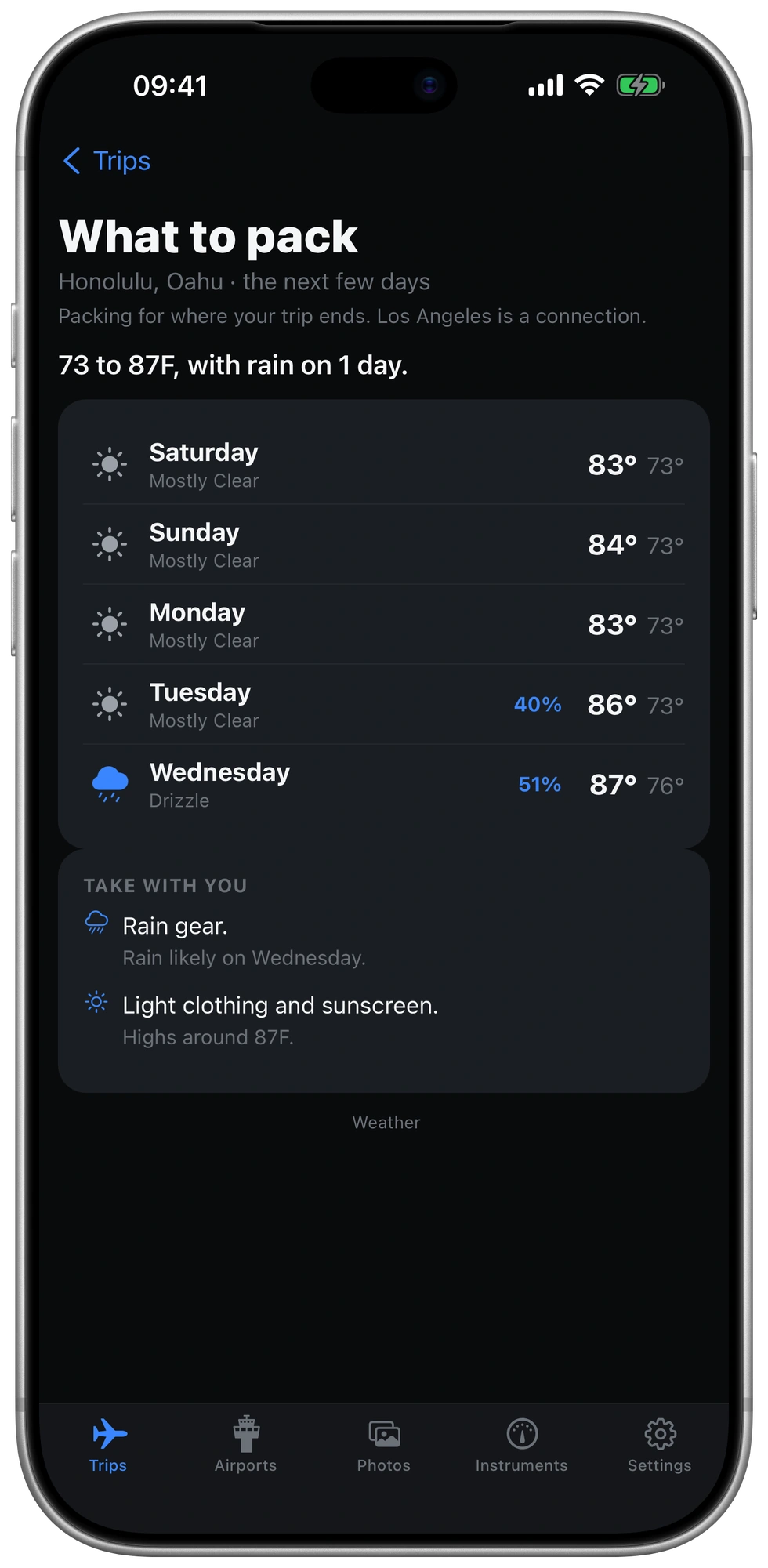
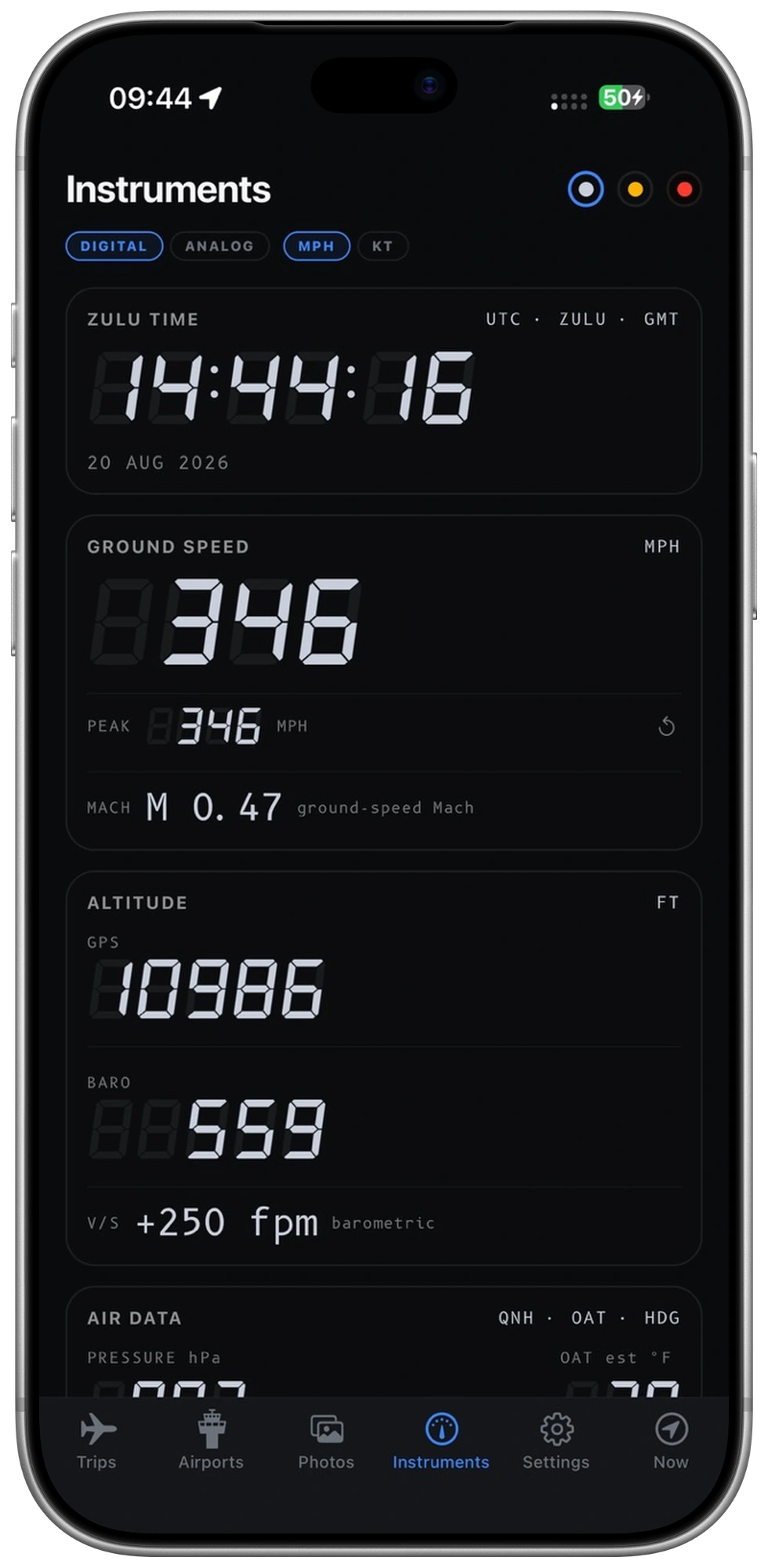
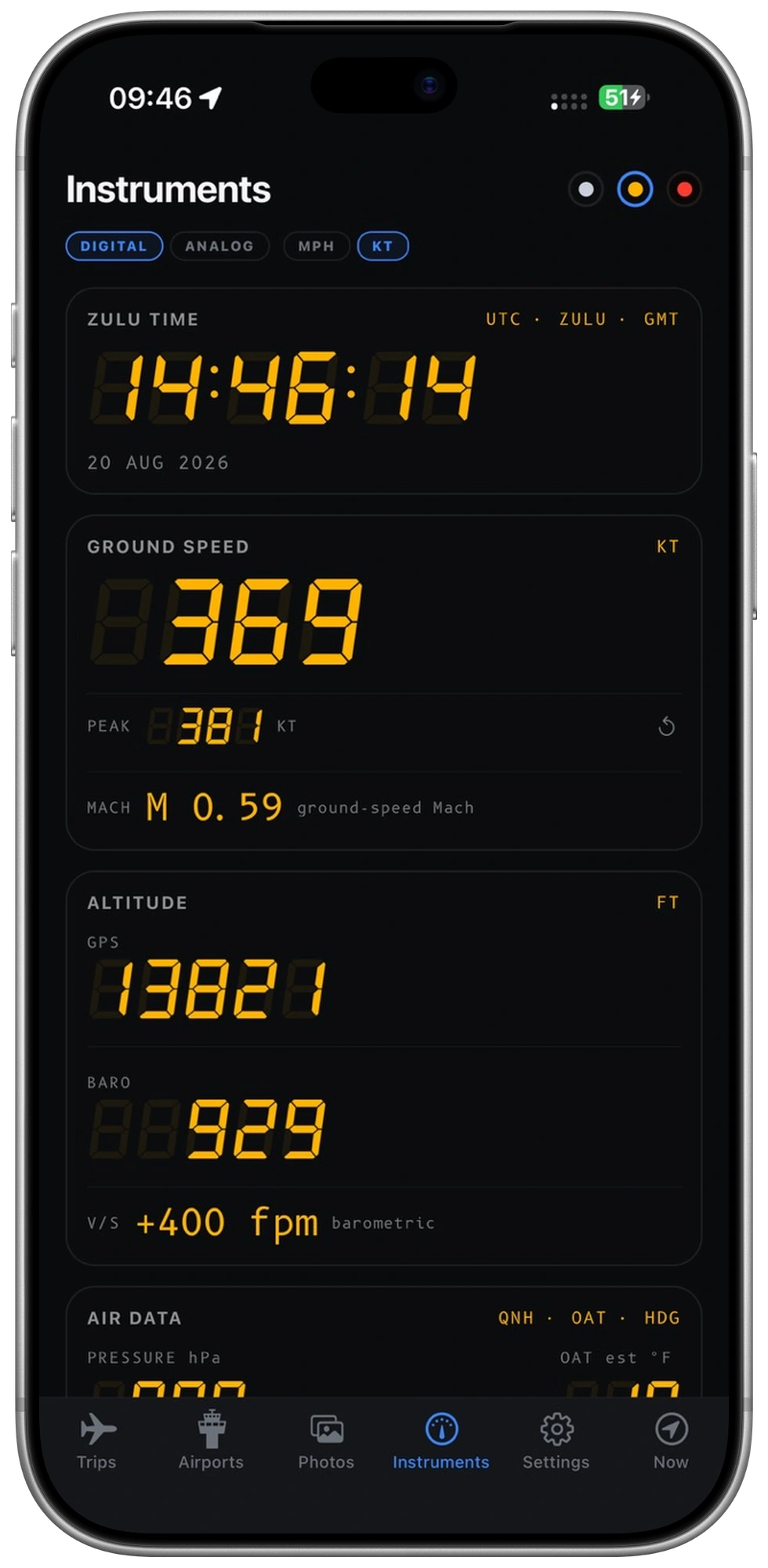
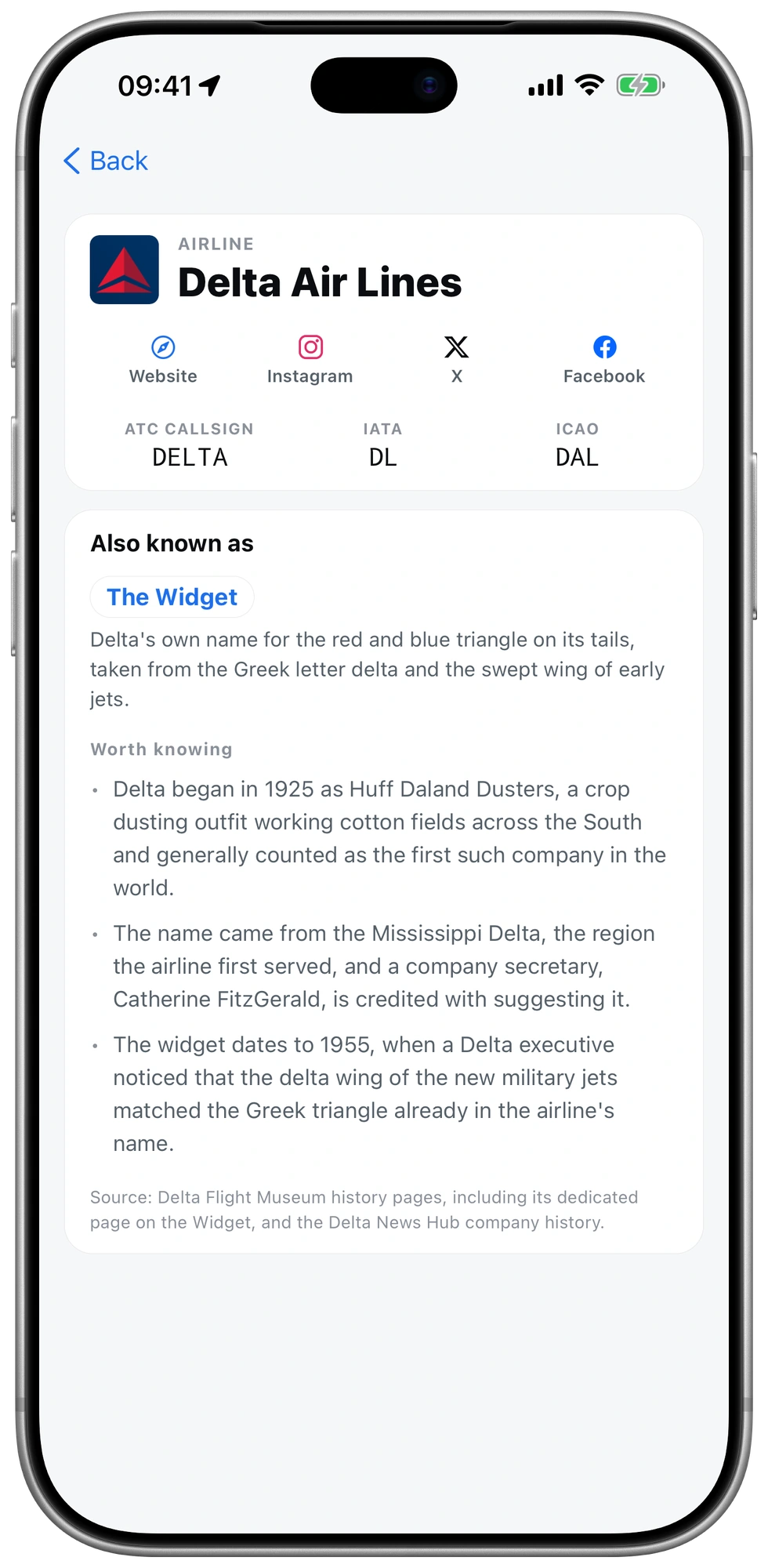
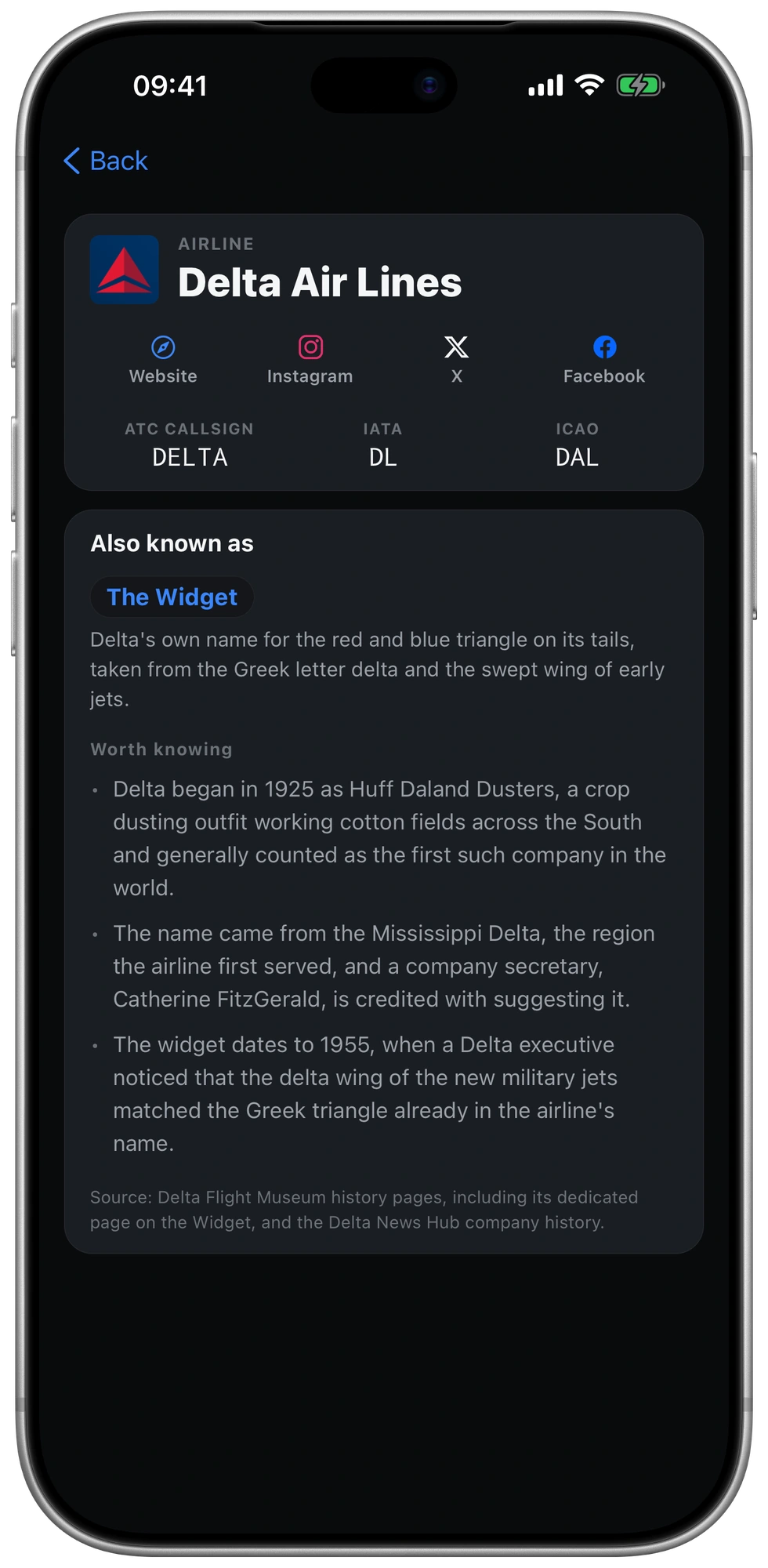
Real screens from the app. See your flight at a glance, follow the route and weather, and explore the details along the way.
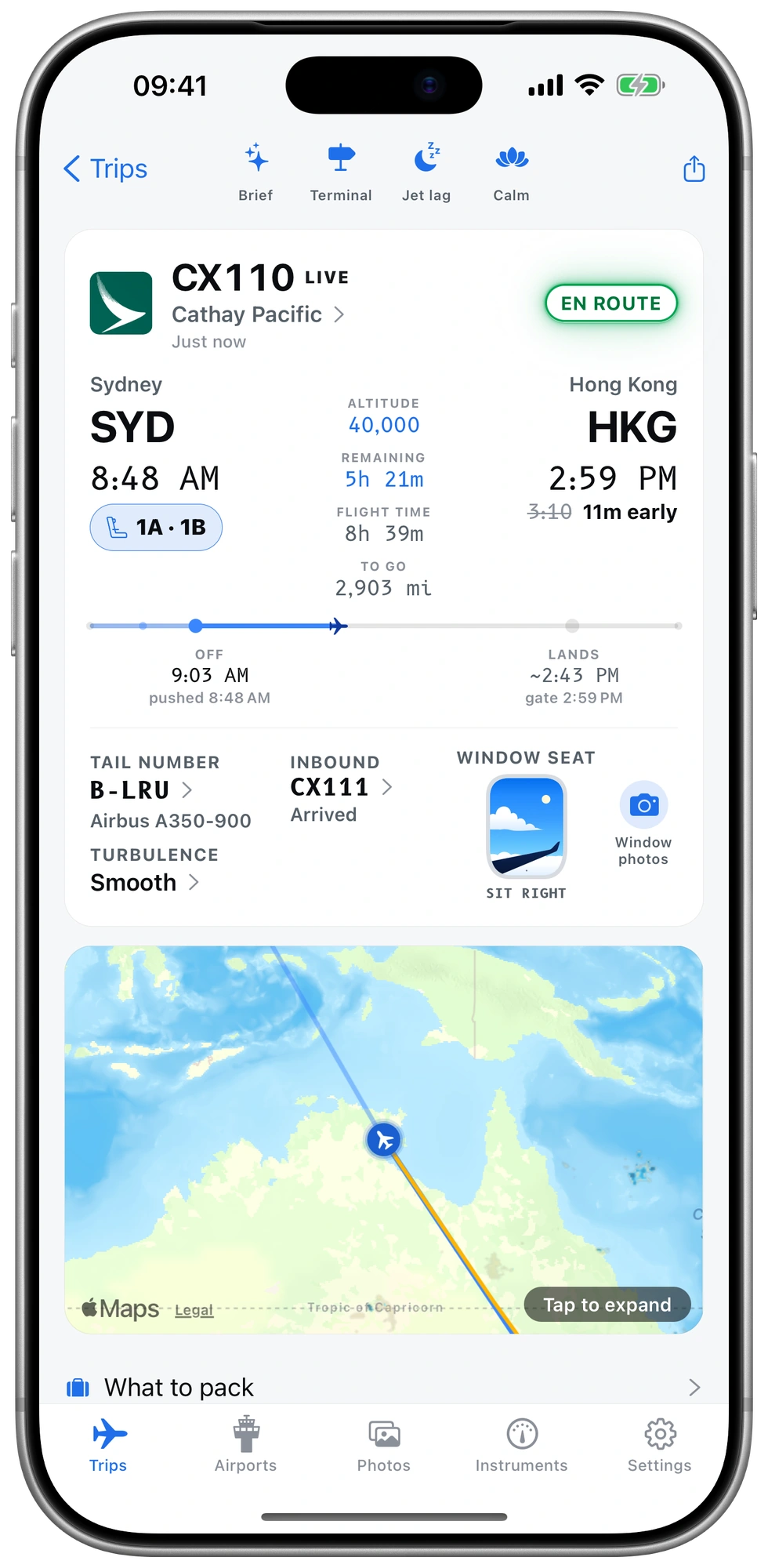
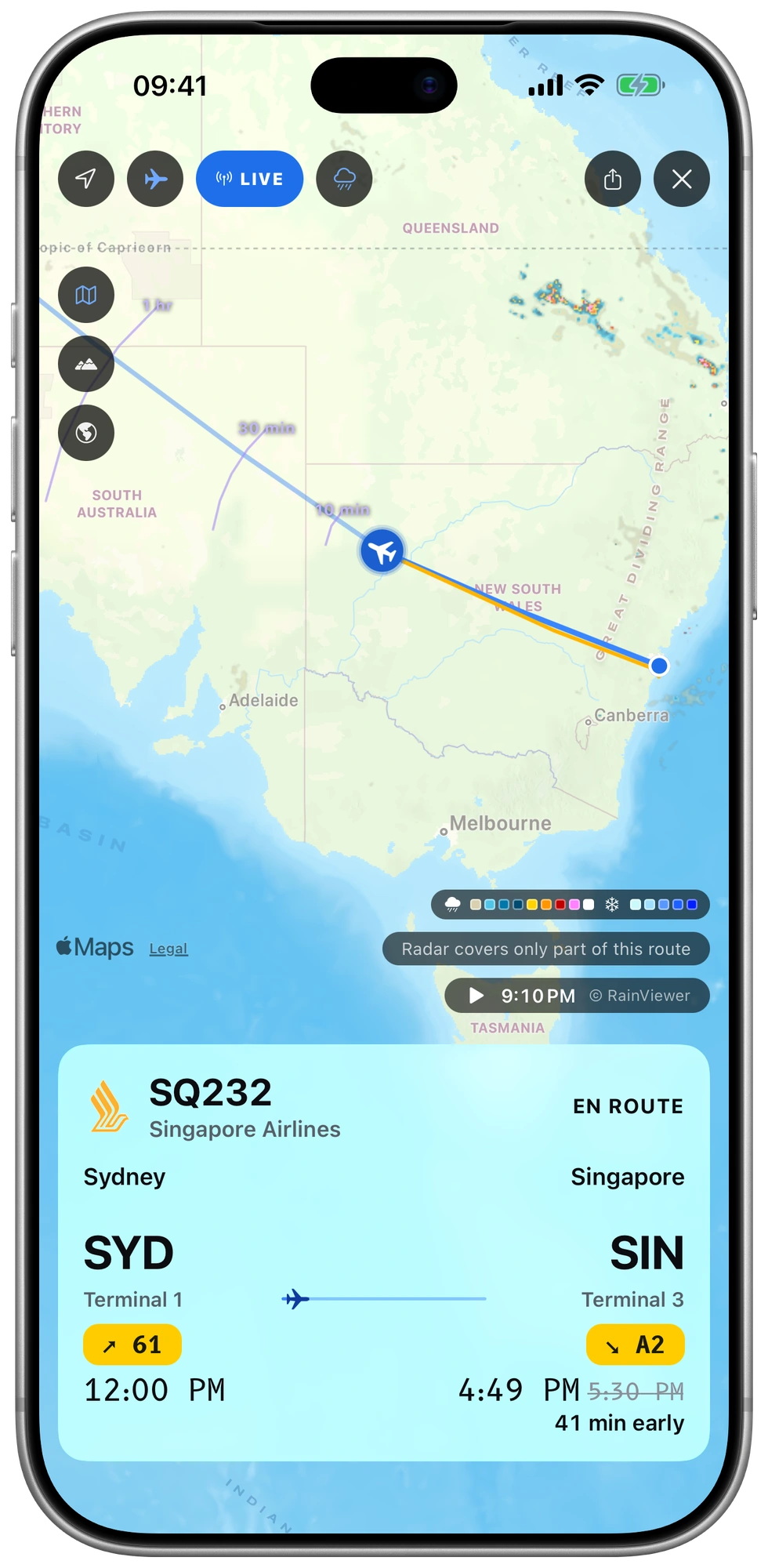
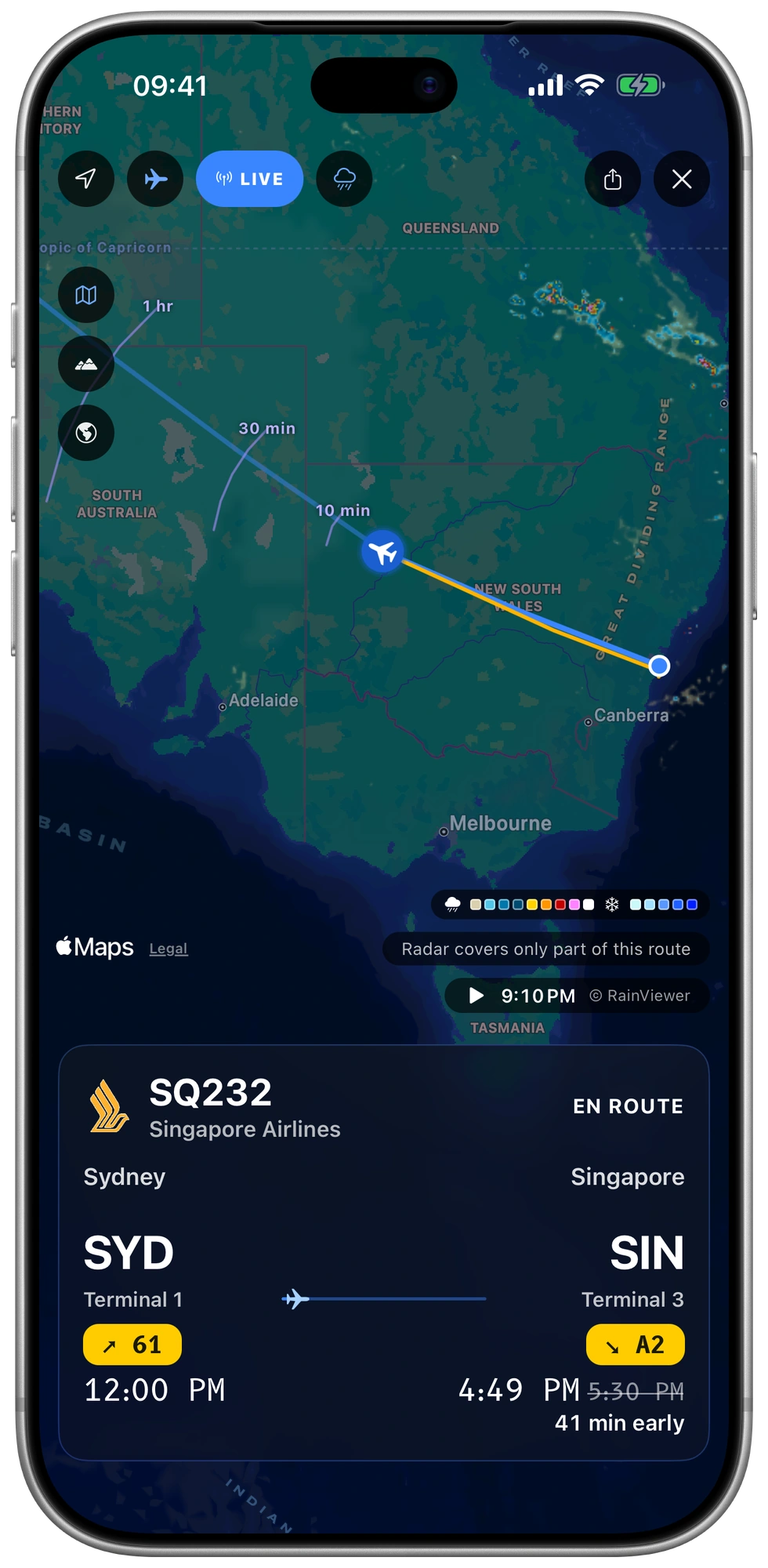
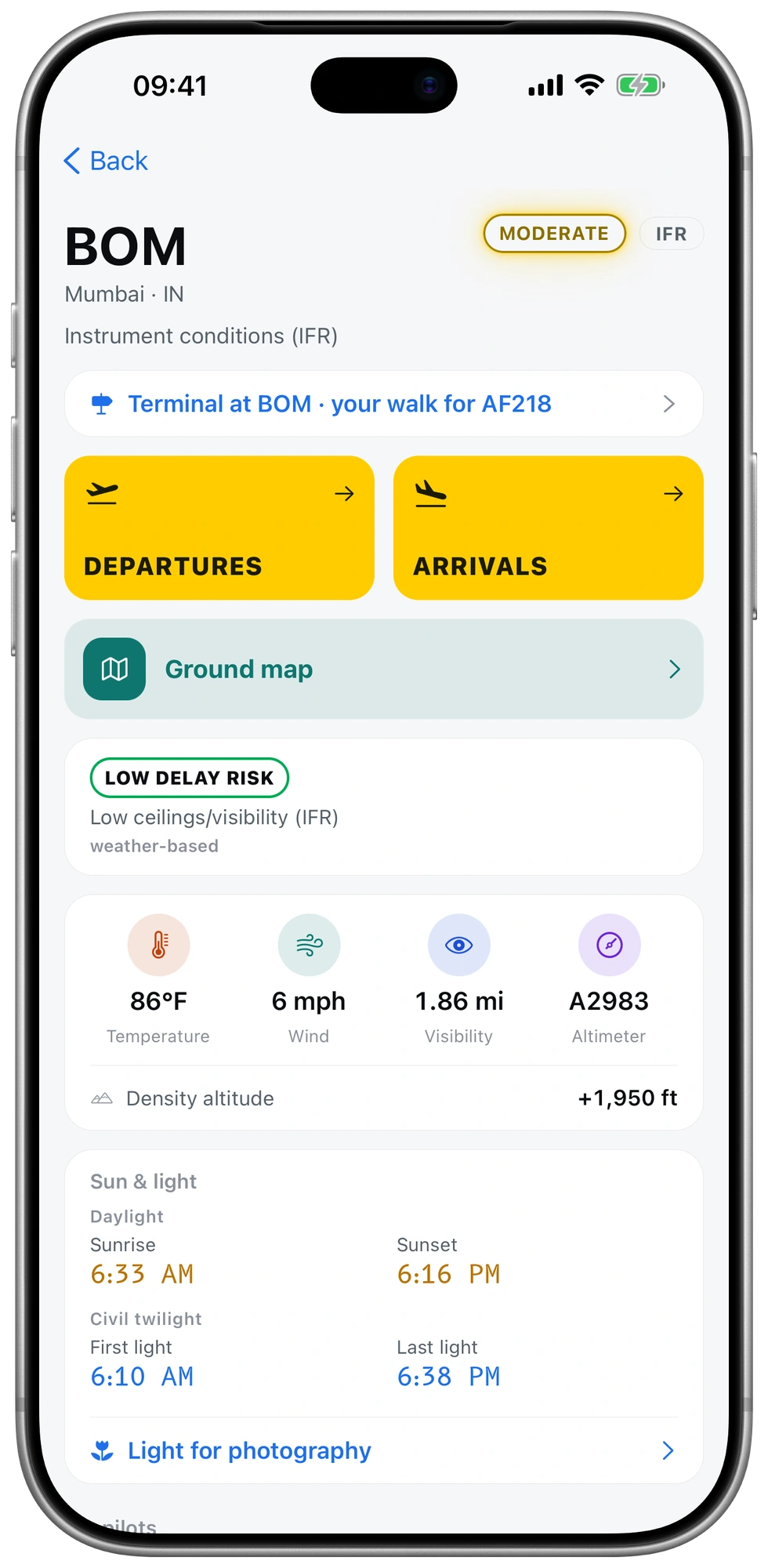
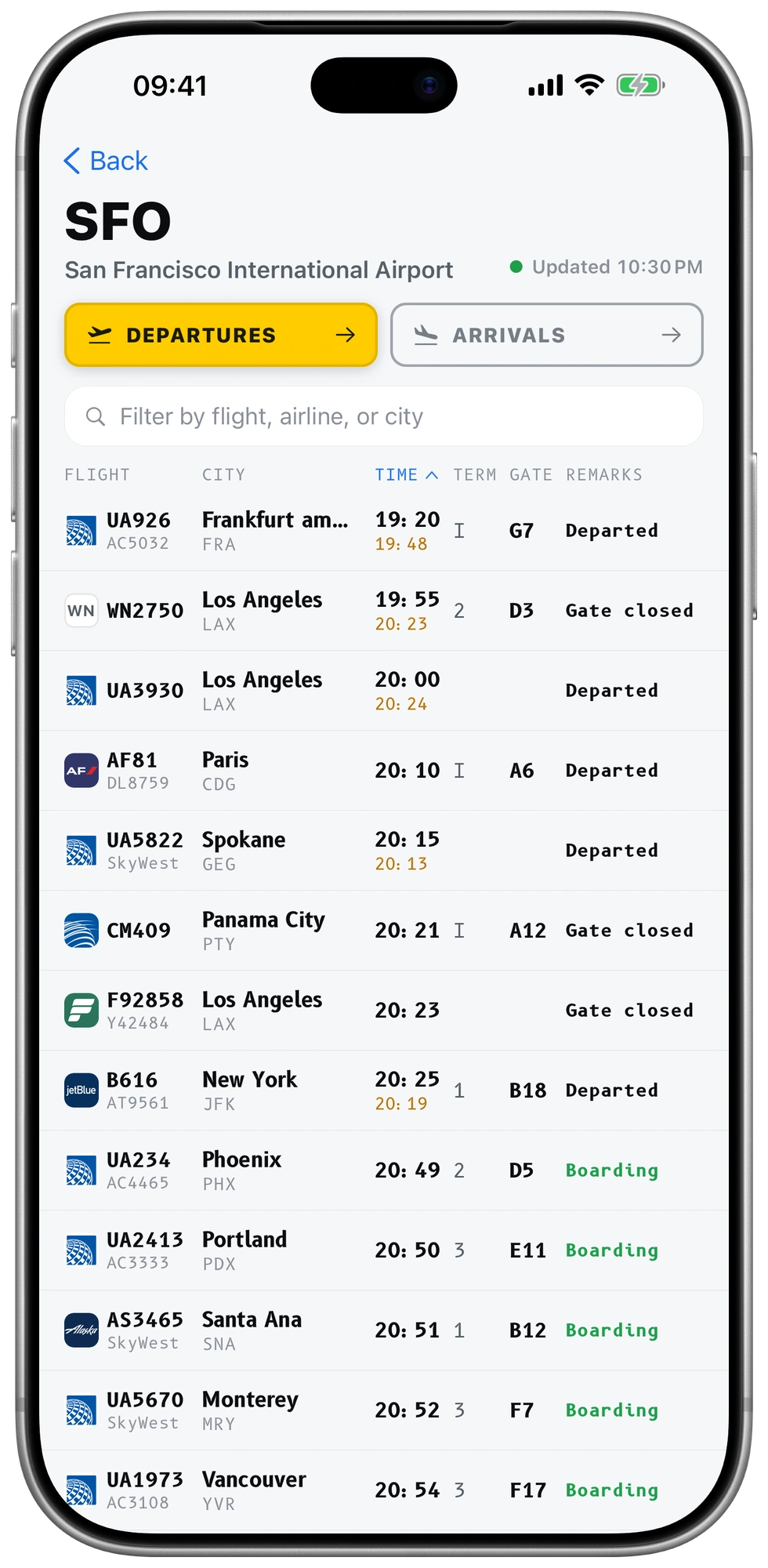
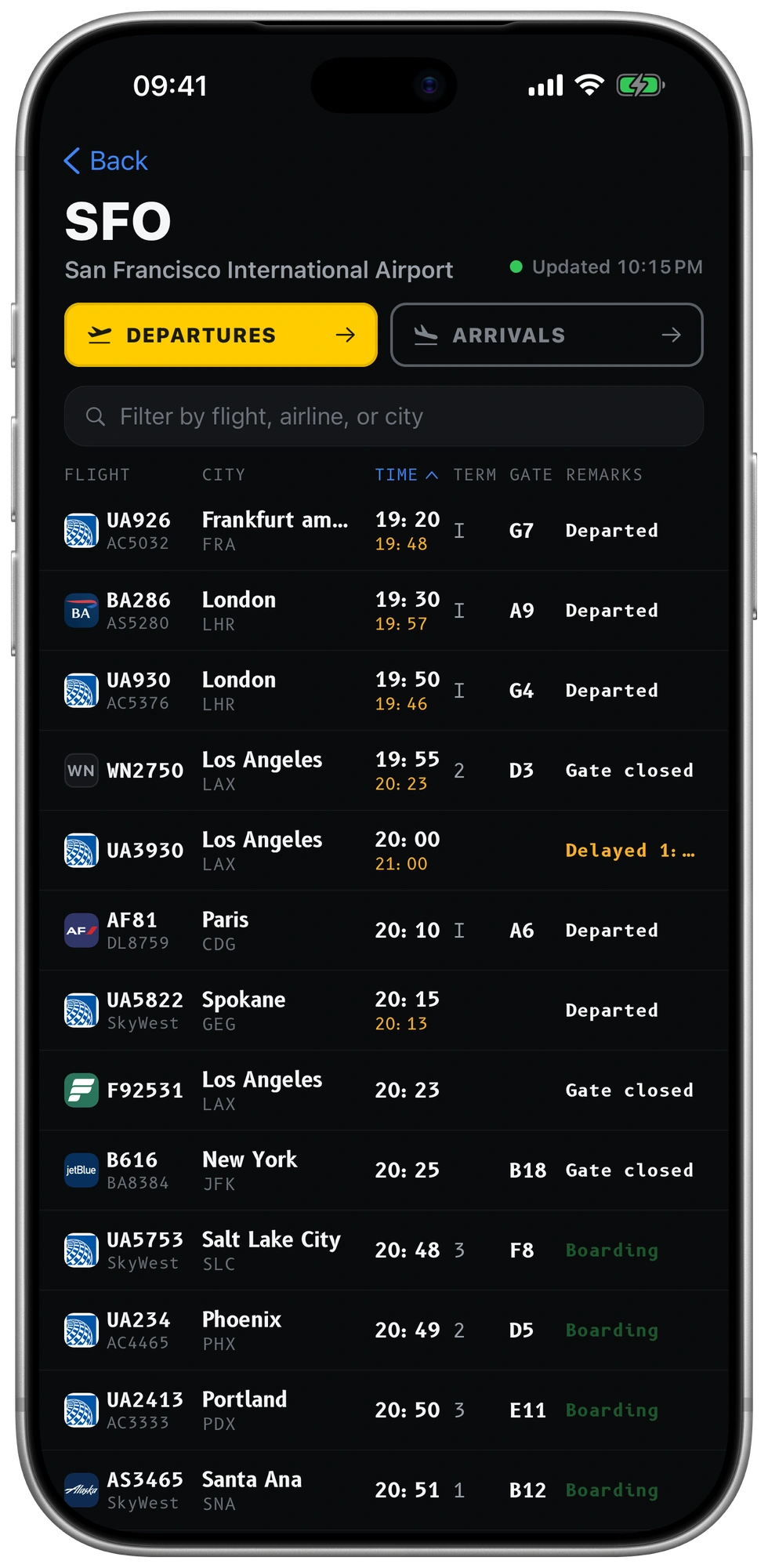
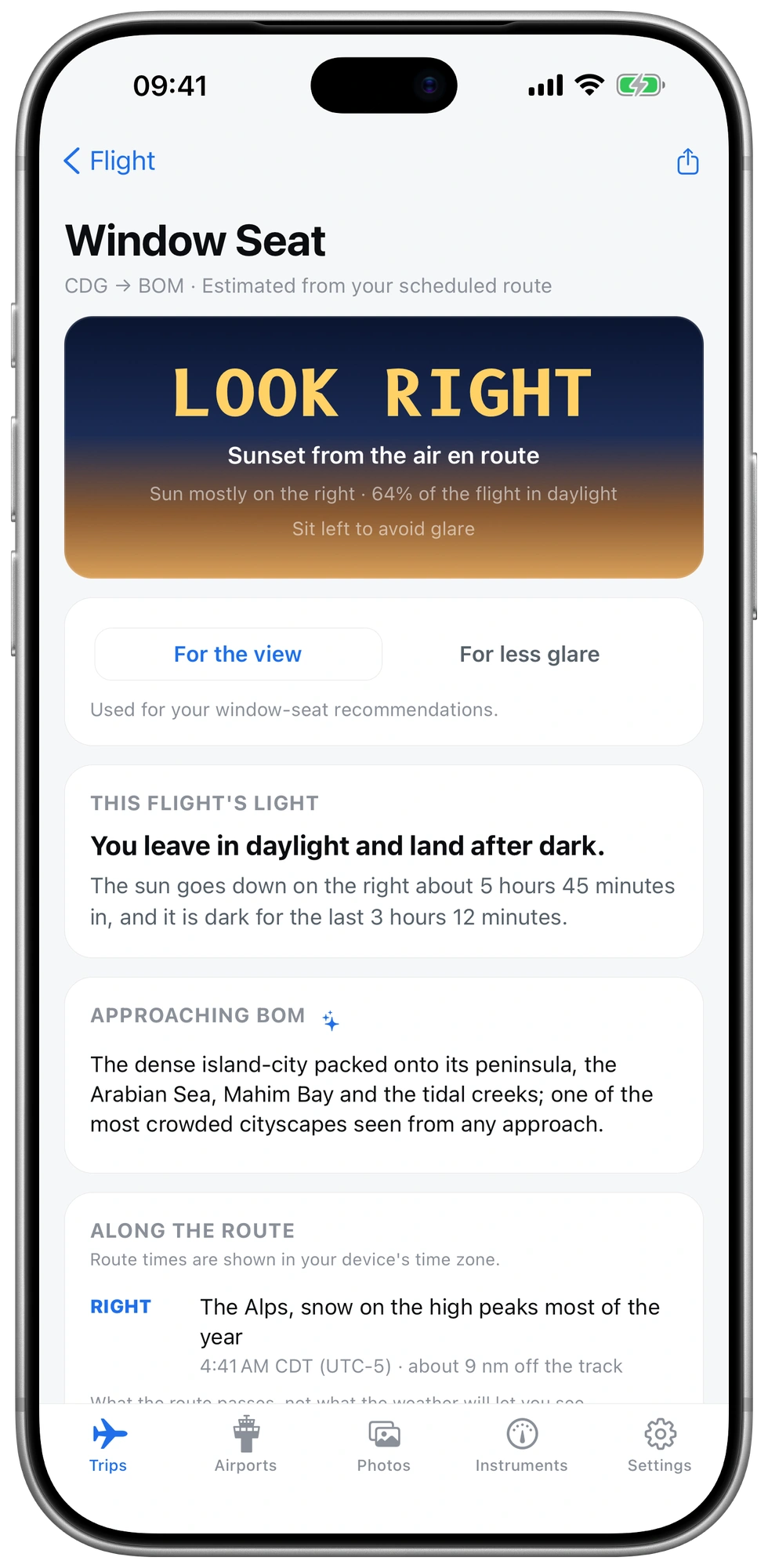
Contains AeroAPI data © FlightAware LLC 2026. Sources & credits
iPhone Duo
Closed, it is your flight at a glance. Open it, and the map takes the whole inner screen beside your flight, with the route framed and the aircraft a tap away.


The calm kit
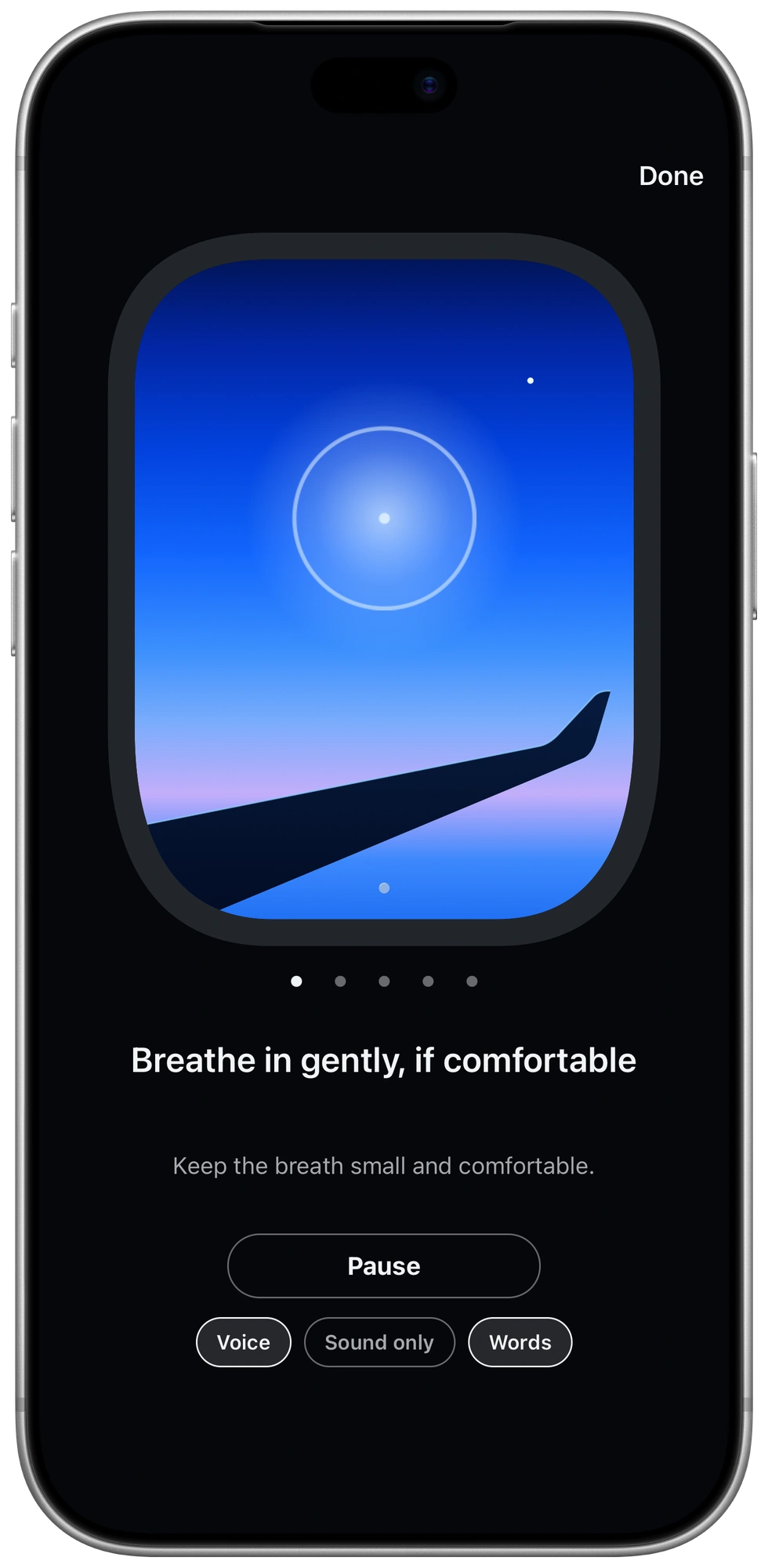
Short guided moments for takeoff, time in the air, bumpy patches, and arrival.
Follow a warm voice or choose sound only. Show the words on screen whenever you like. A softly glowing window gives you something steady to follow, at your own pace.
See the breathing exercise

The luxury of First Class.
Stay ahead of changes with live alerts, lock-screen updates, and AI flight briefs.
Explore First Class

Choose how you fly
The essentials and the window-seat features come free. First Class adds the alerts, explanations and planning that help you keep one step ahead.
Jet Window
Free
For following your flight and enjoying everything around it.
On the App Store for iPhone and iPad, expected December 8. Pre-order it now.
First Class
$39.99 / year
Or $4.99 per month. Planned pricing.
Everything free, plus the help that reaches you when your phone is in your pocket.
Leave-for-the-airport alertA reminder timed from the live estimate and your inbound aircraft, with your gate included.
Standby optionsSee flights you can still catch and the sentence to say at the desk.
Itinerary importPaste a confirmation or add a screenshot of one.
Reported aircraft positionThe aircraft's own reported position, when available, including flights you aren't on.
Jet lag planDay-by-day light and sleep guidance for trips with more than a three-hour time shift.
Weather-aware packingAn interpretation of your arrival weather and a packing reminder the evening before.
The arrival walkthrough, terminal guides, lounge and ground transport information, runway details and radio frequencies, decoded airport broadcasts where available, a phrasebook, the calm kit and weather-based packing advice.
Every flight names its airframe. Following its rotation is First Class, but full inbound detail is also shown free when your own flight is more than half an hour late.
Privacy
Jet Window keeps what it needs to run your app, and nothing else happens to it. Your data is never sold, never used for advertising, and never used to train AI.
Jet Window never reads your email. Add a flight by number, or paste or share a confirmation when you choose to.
There is no advertising or analytics code in the app, so iOS never has to ask you to allow tracking. The App Store label has no “Data Used to Track You” at all.
Boarding passes and loyalty cards live in the iPhone keychain behind Face ID. They are never uploaded.
Location, motion and the barometer drive the instruments in the moment and are not stored on our servers. Window photos are made into cards on the phone.
AI runs only when you ask: a flight brief, or a booking you choose to import. That request goes to Anthropic, which may not train its models on it. Read the privacy policy
Yes. Import Flighty's CSV export and review what was found before saving. It is free and requires a Jet Window account to save the flights. The file stays on your phone; the flights you choose to add are saved to your account.
Matching flights are skipped. A flight already saved under a different codeshare number can appear twice.
Compare Jet Window and Flighty ↗Saved boarding passes and barcodes stay on your phone, including those for your travel companions. Show them at security and at the gate in U.S. airports, even without an internet connection. Use outside the U.S. has not yet been confirmed.
Flight screens show what they last knew, clearly dated. The phrasebook and on-phone packing rules work offline, too. Fresh flight updates and AI briefs require a connection.
It runs your app and nothing else. The flights you track are stored with your account so your logbook and alerts work across your devices. They are never sold, never used for advertising, and never used to train AI models.
Boarding passes and your location stay on your phone. Delete your account in Settings and it is gone at once. The privacy policy ↗
It is on the App Store for iPhone and iPad, open for pre-order, and expected on December 8. A pre-order costs nothing, charges nothing, and installs itself on release day. First Class will be $4.99 a month or $39.99 a year, with an introductory period included free at launch. The duration is to be confirmed.

Jet Window for iPhone and iPad, expected December 8. A pre-order costs nothing and arrives on its own.